
Hello World — Why We Built Auto QC
Every video that goes to a broadcaster, streaming platform, or social channel carries invisible risk — a black frame at the start, audio that clips on the loudest line, subtitles with a typo no one caught at 3am before the delivery deadline.
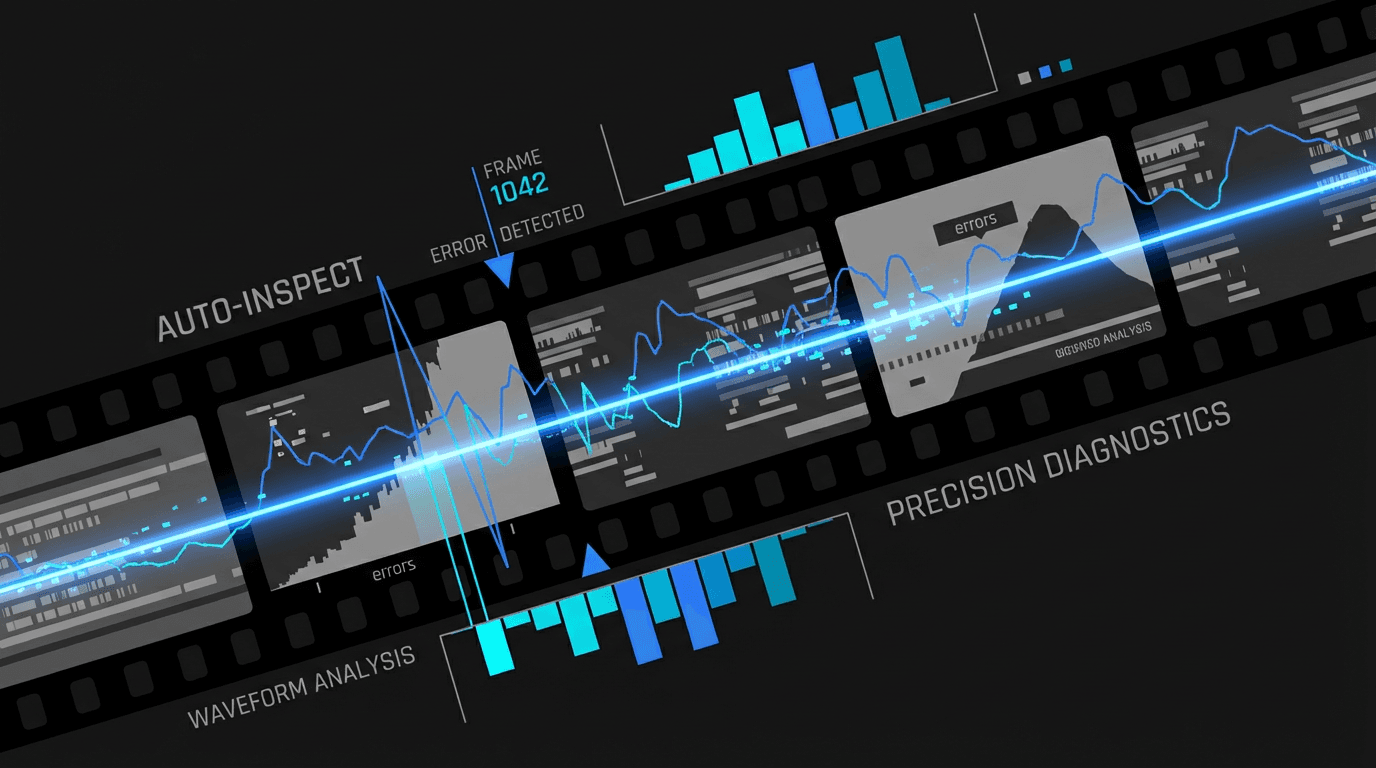
We've been on both sides of that problem. Auto QC exists to catch these errors automatically, before they reach your client.
The Problem with Manual QC
Manual quality control is slow, expensive, and inconsistent. A skilled QC operator can review one hour of content per hour — at best. For teams delivering dozens of titles per week, that creates a bottleneck. And human attention drifts: the 47th check of the day is never as sharp as the first.
The industry has known this for years. Broadcast facilities have used hardware-based automated QC since the 1990s — systems like Baton, Cerify, and Aurora. But these tools are built for large post-production houses. They cost thousands per seat, require dedicated infrastructure, and produce PDF reports that read like aircraft manuals.
What Auto QC Does
Auto QC is a web-based video quality analysis tool that runs 15 automated checks across four categories:
- —Video Signal: Black frames, flash frames, bad edits, freeze frames, aspect ratio, border bars, brightness, and blur
- —Audio: Audio loudness compliance, audio clipping, background noise, silence detection, and speech clarity
- —AI Detection (PlanD Engine): Subtitle readability, OCR-powered typo detection, and on-screen text analysis using GPU-accelerated OCR + LLM semantic analysis
- —Platform Compliance: Per-platform spec validation for YouTube, TikTok, Instagram, Broadcast, and Custom targets
Every issue is mapped to an exact timecode. You get a timeline-annotated report you can step through frame by frame, and export to PDF with a single click. See the full feature list →
Who It's For
We built Auto QC for post-production coordinators, QC supervisors, and independent editors who need professional-grade checks without the overhead of enterprise software. If you're delivering to a broadcaster and sweating over whether your loudness target is correct — Auto QC should tell you within minutes of upload.
Where We're Going
This is version 1. The 15 checks we ship today represent the most common failure modes in broadcast and platform delivery. We're planning to add more — frame rate verification, subtitle timing density, color space tagging, and more. If there's a QC check your workflow depends on that we don't support yet, we want to hear about it.
We're not trying to replace QC operators. We're trying to eliminate the catches that should never have needed a human in the first place.